
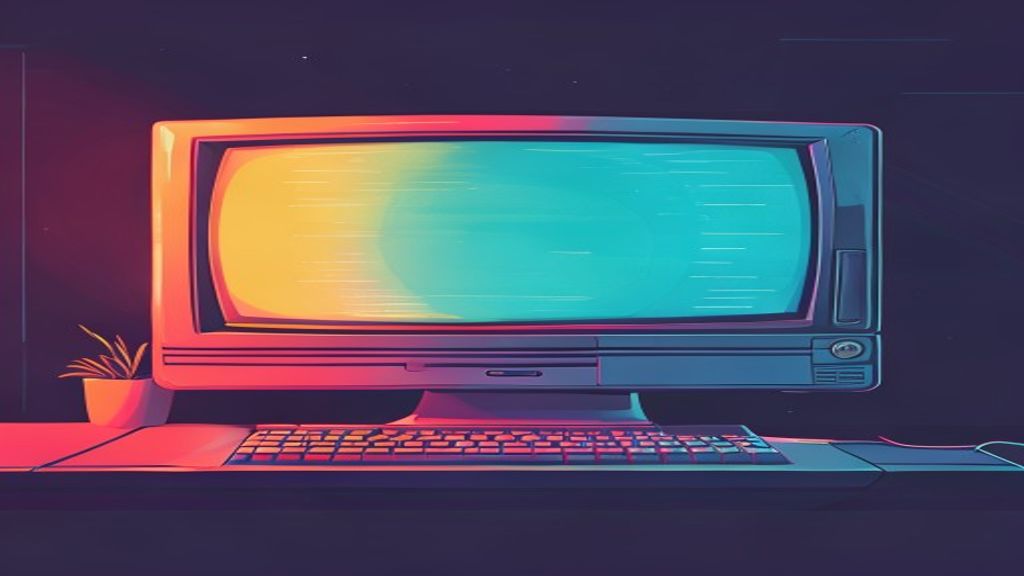
Introduction to Cool Retro Term
In the Linux world, the terminal is an essential tool for developers, system administrators and command line enthusiasts. Although most emulators prioritize functionality and performance, some users seek a visual experience that evokes the nostalgia of the first computers. Cool Retro Term arises precisely to satisfy that desire, offering an interface that imitates the appearance of the cathode-ray tube (CRT) screens of the 1970s and 1980s.
What is Cool Retro Term?
Cool Retro Term is an open source terminal emulator that replicates the look and feel of the classic terminals, including screen curvature, cursor blink and background noise effects. It is built on Qt and QML, which allows you to be highly customizable and multiplatform, although its most widespread use is in Linux distributions.
Linux installation
The easiest way to install Cool Retro Term is through the package managers of each distribution. In Ubuntu and its derivatives, the command is:
- sudo apt update
- sudo apt install cool-retro-term
In Fedora you can use:
- sudo dnf install cool-retro-term
For Arch Linux and its derivatives:
- sudo pacman -S cool-retro-term
If you prefer to compile from the source code, the official repository in GitHub provides detailed instructions and necessary dependencies, such as Qt 5.12 or above and QML modules.
Basic configuration
When launching the application, a window with a default theme is presented that recalls a green terminal on a black background. The configuration menu is accessed by the menu button in the upper right corner or by pressingCtrl + ,. From there you can adjust several aspects:
- Type of screen: choose between different CRT curves, such as' flat ',' curved 'or' jitter '.
- Colors: modify the text and background palette, or select one of the predefined schemes as' Amber ',' Green 'or' White on Black '.
- Noise and displacement effects: it activates or disables background noise, line tremor and cursor blink.
- Source: Although the application includes a "VT323 'type source, you can replace it with any single-spaced source installed in your system.
Highlights
Cool Retro Term is not only limited to aesthetics; it includes useful functions for daily work:
- Full support for Unicode, which allows you to show characters from different languages without problems.
- Compatibility with popular terminal color schemes such as Xterm and GNOME Terminal, facilitating the import of existing configurations.
- Possibility to save and load profiles, which is practical if you alter between different working environments.
- Integration with the desktop reporting system, showing alerts when the terminal is active.
- Option to run commands when you log in, useful to load development environments or environment variables automatically.
Cases of use
Although its retro appearance may seem merely decorative, Cool Retro Term finds concrete applications:
- Teaching and demonstrations: teachers can use their striking appearance to capture students' attention by explaining command line concepts.
- Retro game development: programmers that create titles inspired in the 1980s can test their applications in a terminal that reflects the time.
- Recording of tutorials and screenshots: The distinctive style improves the aesthetics of the videos, making the commands more visible and attractive.
- Custom work environments: users enjoying a thematic desktop can maintain visual coherence between your desktop, window theme and terminal.
Comparison with other emulators
There are other emulators that also try to offer a vintage look, such asxtermresourcesXresourcesorAlacrittywith personalized themes. However, Cool Retro Term is different by:
- Exclusive focus on CRT hardware simulation, including geometric distortions and phosphor effects.
- Graphic configuration interface that does not require manual editing of configuration files.
- Active Community that regularly launches updates with new themes and performance improvements.
In terms of resource consumption, Cool Retro Term is moderately heavier than a light terminal likestorxtermbut is still suitable for modern hardware and most desktop equipment.
Conclusion
Cool Retro Term represents a successful fusion between functionality and nostalgia. By offering a terminal that visually reminds the computer classics, it provides Linux users with a unique way to customize their working environment without sacrificing the power and flexibility they expect from a modern terminal. If you are looking to give your command line a touch of character or simply enjoy retro aesthetics while you work, Cool Retro Term is an option worth exploring.

