
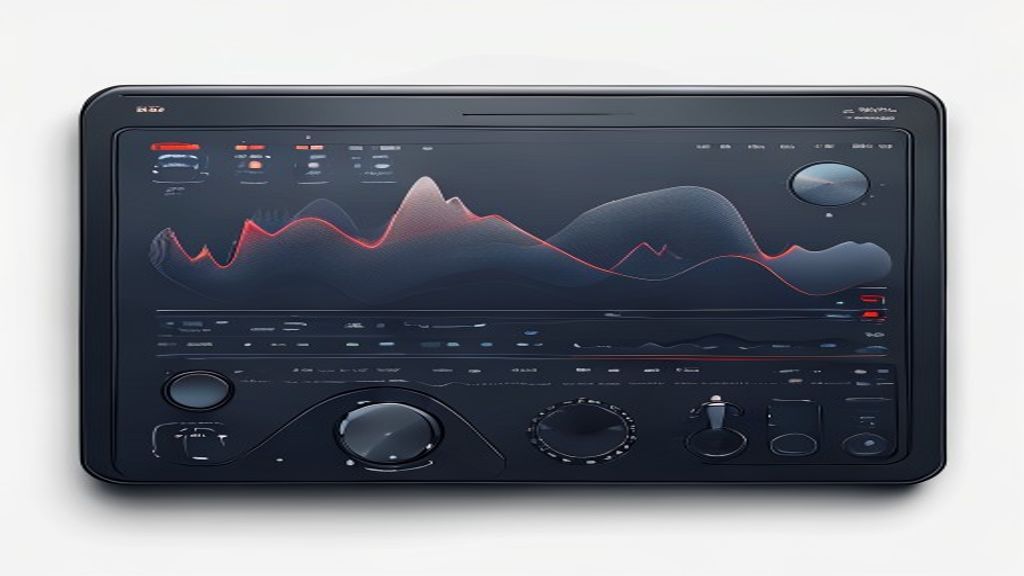
Introduction to DeaDBeeF
DeaDBeeF is a multi-platform audio player designed to be fast, highly configurable and with low resource consumption. Born as an open source project, it has gained popularity among Linux users, but is also available for Windows and macOS. Its minimalist interface hides a set of advanced functions that makes it ideal for both casual listeners and demanding audiophiles.
Main characteristics
- Reproduction of popular formats such as MP3, FLAC, Ogg Vorbis, AAC, WAV and many more using plugins.
- Support for customizable playlists, including import and export in M3U and PLS format.
- 10-band equalizer with preadjustments and the possibility of creating own profiles.
- Compatibility with visual themes and possibility of changing the interface using GTK, Qt or console-based interface.
- Integration with streaming services by external plugins (e.g. Grooveshark or SoundCloud).
- Support for replica of output devices such as ALSA, PulseAudio, Jack and Core Audio.
- Advanced configuration options using a simple text file or a graphical preference interface.
Advantages on other players
One of DeaDBeeF's greatest strengths is its lightness. While players like Rhythmbox or Clementine can consume several hundred megabytes of RAM, DeaDBeeF is usually kept under 50 MB even with multiple tracks loaded. This makes it ideal for old equipment or users who prefer to devote more resources to other tasks, such as video editing or games.
Another advantage is its extensibility. The plugin-based architecture allows you to add functionalities without recombinating the main program. From support for new codecs to integration with letter services or albums covers, the community has developed a rich ecosystem that continues to grow.
Installation in different operating systems
Linux (Ubuntu / Debian)
In Debian-based distributions, the installation is as simple as running:
sudo apt updatesudo apt install dedbeef
To get the latest stable version, you can add the official PPP:
sudo add-apt-repository ppa: starws-box / dedbeef-playersudo apt updatesudo apt install dedbeef
Linux (Arch and derivatives)
In Arch Linux, the package is in the official repositories:
sudo pacman -S Deadbeef
If you prefer the git version, there is the packagedeadbeef-gitin AUR.
Windows
In Windows, simply download the installer from the official pagededbeef.sourceforge.ioand run it. The installer includes both the 32 and 64-bit version, and allows you to choose between the GTK or Qt interface.
macOS
For Apple users, a DMG package is offered that can be dragged to the Application folder. It is also available by Homebrew:
brew install --cash dedbeef
Basic configuration
Once installed, when opening DeaDBeeF a window with the player, the track list and the equalizer is presented. From the menuSettingscan be adjusted:
- Audio output: select ALSA, PulseAudio, Jack or Core Audio according to system.
- Appearance: choose between clear or dark themes, modify sources and colors.
- Behavior: define actions when double-clicking a track, set keyboard shortcuts and enable integration with the system tray.
- Plugins: activate or desinsalate extensions such as spectrum view, letter search or podcast support.
Advanced use and customization
The most experienced users can directly edit the configuration file located in~/.config/deadbeef/config. There it is possible to adjust parameters that are not exposed to the graphic interface, such as the size of the playback buffer, the depth of output bits or the behavior of the global shortcuts.
In addition, DeaDBeeF supports scripts through its command line interface. For example, you can play a complete folder with:
Deadbeef --play / route / a / mis / music /
Or link specific tracks:
dedbeef --enquue pista1.flac pista2.mp3
This capacity makes it an excellent option to integrate it into automation workflows, such as reproduction of playlists on domestic music servers or digital signalling systems.
Conclusion
DeaDBeeF combines the simplicity of a light player with the power of a highly customizable environment. Its low resource consumption, extensive format support and active developer community position it as a solid alternative to heavier and less flexible options. Whether you are a Linux user who seeks to make the most of his old hardware, or whether you are a music lover who wants a player who suits his tastes, DeaDBeeF deserves a test.

