
Introduction to the Subtitle Editor
In the age of multimedia content, subtitles play a key role in reaching global audiences, people with hearing difficulties and spectators who prefer to watch videos without sound. Onesubtitle editoris a tool that allows you to create, modify and synchronize text that appears on screen, ensuring that the message is clear and accessible.
What's a subtitle editor?
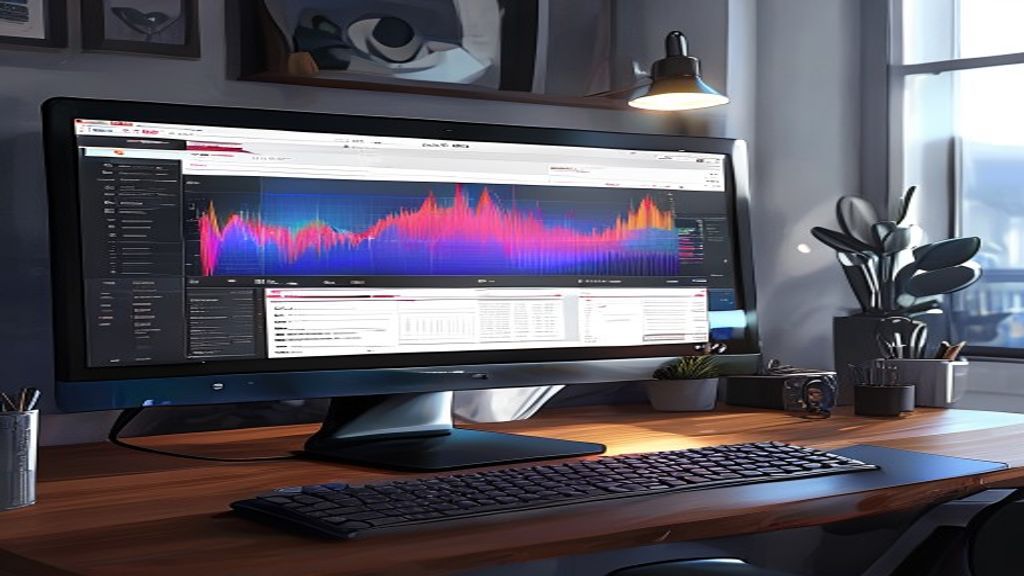
A subtitle editor is a specialized application that facilitates the task of writing subtitles, adjusting their appearance time and exporting them in various formats such as SRT, VTT, ASS or SSA. Unlike a generic text processor, these editors show the video's timeline, form audio waves and allow text blocks to be dragged to achieve precise synchronization.
Main characteristics
- Display of the time line with audio wave form.
- Real-time text editing with video preview.
- Automatic synchronization by voice detection or script import.
- Support for multiple subtitle tracks and font styles.
- Export to standard formats and possibility to burn the subtitles in the video.
- Orthographic and style correction tools.
Typical working flow
- Import video file or only audio track.
- Generate an initial transcription (can be automatic or manual).
- Adjust the duration of each text block to match the speech.
- Apply font, color and position styles according to brand or accessibility needs.
- Review the reading in full screen mode and correct timing errors.
- Export the subtitle file in the format required by the publication platform.
Popular subtitle editing tools
- Aegisub: powerful, free and open source, ideal for advanced karaoke and style work.
- Subtitle Edit: friendly interface with support for more than 200 formats and automatic translation functions.
- Amara: online platform that facilitates collaboration and direct publication on YouTube or Vimeo.
- Final Cut Pro and Adobe Premiere Pro: include integrated subtitle modules for professional video editing workflows.
Future trends in the edition of subtitles
Artificial intelligence is transforming the way we create subtitles. The increasingly accurate voice recognition models allow to generate almost ready-to-use erasers, reducing manual working time. In addition, integration with automatic translation services facilitates the production of multilingual subtitles in real time. Another trend is the use of JSON-based formats, such as WebVTT, which offer greater flexibility to stylize and position the text through CSS. Finally, editors are incorporating cloud collaboration tools, where several reviewers can work simultaneously on the same project, leaving comments and approvals without sending back and forth files.
- Automatic transcription with IA and light post-edition.
- Real-time translation via neural networks.
- JSON and CSS-based formats for advanced styling.
- Cloud collaboration environments with version control.
Tips for an efficient edition
- Works with a clear audio sample; reduces background noise before generating transcription.
- Use keyboard shortcuts to quickly divide, join and move text blocks.
- It sets a character limit per line (e.g. 42 characters) to improve legibility.
- Play the loop segment while adjusting the start and end of each subtitle.
- Save intermediate versions of the project so you can go back if necessary.
Good accessibility practices
- It includes descriptions of important sounds (e.g. [music], [laughter], [door closing]) when relevant to understanding.
- Keep a proper contrast between the text and the background; if the video is clear, use a dark outline or shadow.
- Avoid subtitles that occupy more than one sixth of the screen; this prevents blocking important visual content.
- Check that the subtitles are synchronized within ± 0.5 seconds of the speech.
Conclusion
Dominating a subtitle editor not only improves the quality of your productions, but also extends its scope and meets inclusion standards. Whether you work in educational content, marketing or entertainment, investing time in learning the functions and shortcuts of these tools translates into more professional and accessible videos for all types of audiences.

