
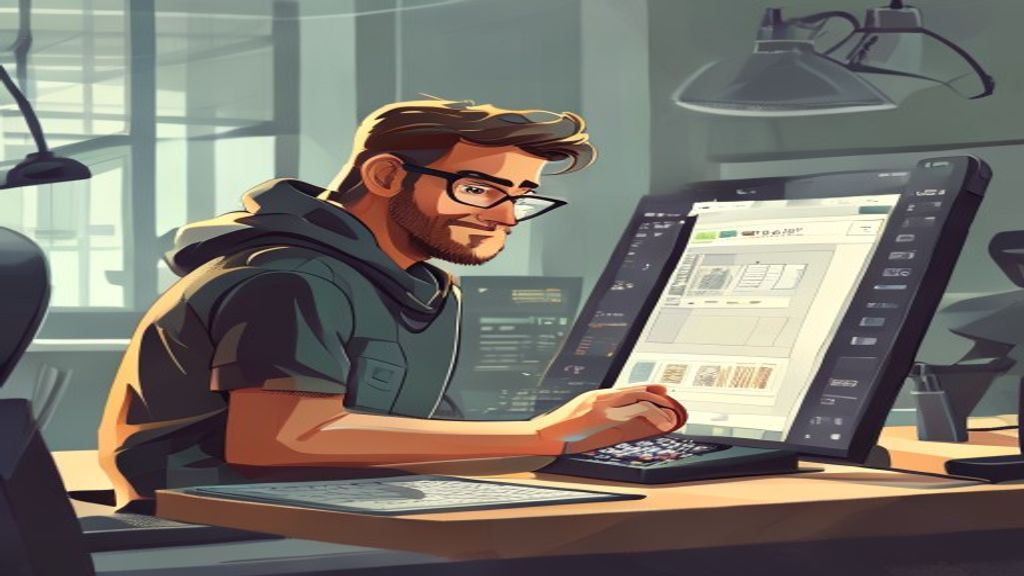
Introduction to OpenToonz
OpenToonz is an open source 2D animation program that has gained popularity among independent artists and professional studies. Originated from the Toonz proprietary software, used in productions such as «Princess Mononoke» and «Spit Away»OpenToonz retains the power of its predecessor while allowing anyone to download, modify and improve it under the BSD license.
History and evolution
The Toonz project was born in the 1990s in Italy, developed by Digital Video S.p.A. Its commercial version was adopted by anime and film studies from all over the world. In 2016, the rights of the source code were released and the community created OpenToonz, maintaining compatibility with .tnz files and adding new tools. Since then, the project has received regular updates that improve performance, add support for high-resolution tablets and incorporate image processing effects by G'MIC.
Main characteristics
- Support for vector and bitmap drawing, with unlimited layers and advanced fusion modes.
- Bone system and mesh deformation for character rigging, allowing soft animations and precise control.
- Advanced camera effects, including motion disfocus, field depth and parallel displacement.
- Integration with G'MIC to apply hundreds of image filters directly into the canvas.
- Compatibility with graphic tablets and pressure, inclination and rotation support for a natural stroke.
- Scripting in Python to automate repetitive tasks, create custom tools and generate procedural effects.
- Renderized multi-thread and option to use GPU using OpenGL to accelerate preview and final export.
System and installation requirements
OpenToonz is available for Windows, MacOS and Linux. A 64-bit version with at least 4 GB RAM and a OpenGL 3.3-compatible graphic card are recommended in Windows. In macOS, version 10.13 or above and a GPU that supports Metal are needed. In Linux, most modern distributions work with Flatpak or AppImage packages. The installation is simple: download the package from the official site, run the installer and follow the directions. No registration or license is required.
Typical working flow
An artist begins by creating sketches on the drawing layer, using text pencils or bitmap brushes. Then apply the inlet line with vector tools that allow to edit traces without losing quality. Then, colors are added to paint layers, shadows and lights are applied with fusion modes and adjustment layers are used for color correction. Finally, the camera is configured, the path is defined and the sequence is renderated in sequential or video image format thanks to the internal rendering engine.
Extensions and plugins
OpenToonz's open nature promotes the development of supplements. Users can install Python scripts that add features such as lip synchronization, automatic generation of intermediaries or export to game formats. In addition, the community maintains repositories of brushes, textures and effect preadjustments that can be imported with a single click, significantly expanding the creative set without leaving the environment.
Comparison with other tools
Although programs like Adobe Animate and Toon Boom Harmony dominate the commercial market, OpenToonz stands out for its zero cost and open nature. It does not require expensive licenses and allows studies to adapt the software to their specific needs, which the owner packages limit by means of restrictive EULA. In addition, the possibility of inspecting and amending the source code provides a transparency that is invaluable for R & amp; D equipment and educational institutions.
Famous cases of study
Several independent projects have used OpenToonz to create award-winning short films at festivals such as Annecy and Sundance. For example, the short «The Breadwinner» (although produced mainly with other tools, it used OpenToonz for certain background sequences) demonstrated the software's ability to handle complex scenes with multiple layers of effects. In addition, anime studies in Japan have adopted OpenToonz for pilot projects, taking advantage of its compatibility with the .tnz files inherited from Toonz.
Tips for beginners
- It begins with the official tutorials available on the website; they are designed to teach from basic drawing to character rigging.
- Explore the G'MIC brush library and try different filters to find your style.
- It uses adjustment layers to make non-destructive changes; so you can experience without fear of losing work.
- Join the OpenToonz Discord; there you will find quick help and you can share your advances to receive feedback.
- Save incremental versions of your project (e.g. file _ 01.tnz, file _ 02.tnz) to be able to go back if necessary.
- Practice short animations of 5-10 seconds to master the workflow before embarking on longer projects.
Conclusion
OpenToonz represents a powerful and accessible option for anyone who wants to get into 2D animation without economic barriers. Its legacy of legendary studies and its continued community development ensure that it will remain a relevant tool in the coming years. Whether you are creating a short staff, working on a web series or experimenting with visual effects, OpenToonz provides the flexibility and power to bring your ideas to the screen.

