
Introduction to Pitivi
Pitivi is a non-linear video editing application designed specifically for the GNOME desktop environment and other Linux distributions. Born as an open source project under the LGPL license, Pitivi offers a free and unmarked alternative to the best-known home editors. Its focus is on simplicity without sacrificing advanced functionalities, which makes it ideal for both beginners who want to cut and join clips and for intermediate users who require color correction, transitions and audio effects. With its integration with GStreamer, Pitivi can handle a wide variety of input and output formats, ensuring that projects are exported with the highest possible quality.
History and development
The development of Pitivi began in 2004 as part of the efforts of the GNOME community to provide free multimedia tools. Initially called «pitivi» (in reference to the pitito bird), the project went through several rewritings to improve its architecture and performance. In 2010, the use of GStreamer was adopted as the main backend, allowing more robust management of codecs and real-time effects. Since then, successive versions have introduced improvements to the timeline, adjustment layer support and a more modern GTK + 3-based interface. Today, Pitivi maintains a regular release cycle, with contributions from voluntary developers and sponsors who value the sovereignty of free software.
User interface
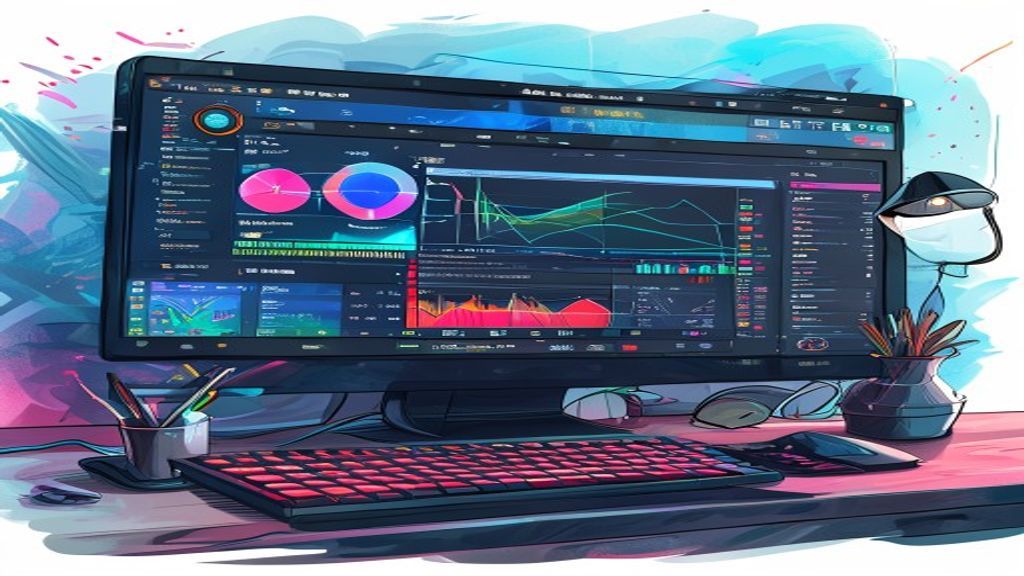
The Pitivi interface follows the GNOME design pattern, with a superior toolbar, a right-hand property panel and a central time line that occupies most of the window. Users can drag and drop clips directly from the file manager or from the integrated media browser itself. The timeline supports unlimited video and audio tracks, each with gain controls, silence and alone. Preview and effect panels can be coupled or decoupled according to the preferred workflow, and customizable keyboard shortcuts accelerate frequent tasks such as cutting, division and adjustment of input and output points.
Main characteristics
Pitivi brings together a set of features that position it as a competitive option within the free editing software. Its strengths include non-linear track-based editing, the ability to work with HD and 4K resolutions, and support for real-time effects thanks to GStreamer. In addition, the program includes color correction tools, customizable transitions and project management that allows you to save and resume jobs without losing settings.
- Unlimited track editing with precise cut, division and displacement.
- Real-time video and audio effects, including disfocus, sharpness and equalization.
- Customizable transitions such as fused, sliding and sweeping.
- Advanced color correction with winning wheels, shadow and midpoint.
- Flexible export using presets for YouTube, Vimeo and local formats such as MP4, MOV and OGG.
Working flows and compatibility
Thanks to its GStreamer base, Pitivi can import almost any video format that the system recognizes, from old camera DV files to modern smartphones H.265 content. Export is done by rendering in the background, allowing to continue working while the final project is coded. Linux users will appreciate native integration with tools such as FFmpeg for additional transcoding and the possibility of using automation scripts using the command line. In addition, Pitivi supports collaborative projects through XML files that can be shared between work teams.
Community and support
The Pitivi project is supported by an active community of developers, translators and enthusiasts who contribute through error reports, patches and documentation. The source code is housed in GitLab, where you can follow the milestones of each version and propose improvements through merger requests. There are mailing lists, IRC channels and an online forum where users can ask questions, share tutorials and show their creations. The official documentation includes step-by-step guides, effects reference and frequent questions, all available in several languages thanks to the effort of volunteers.
Conclusion
Pitivi represents a solid solution for those looking for a free, modern and fully integrated video editor in the GNOME and Linux ecosystem. Its combination of a clean interface, powerful editing capabilities and community support makes it suitable for both home projects and semi-professional productions that require reliability and flexibility. If you value the freedom of open software and want a tool that grows with you, it is worth trying Pitivi and exploring everything that can offer to your creative flow.

