
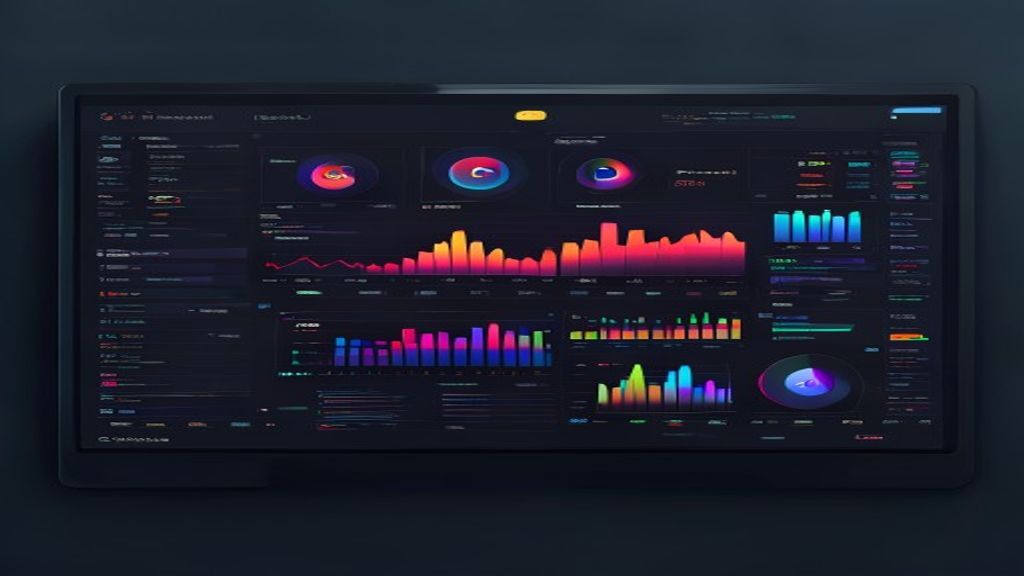
BTop has become one of the most popular tools to monitor the performance of Linux systems thanks to its modern interface and low resource consumption.
What's BTop?
BTop is a resource monitor written on C + + that offers a real-time view of the use of CPU, memory, disk and network. Its design is inspired by tools such as top and htop, but it incorporates bar and color graphics that facilitate the rapid interpretation of data.
Main characteristics
- View of bar graphics for CPU, memory, disk and network.
- Flexible management by different columns (PID, user, CPU consumption, etc.).
- Support for customizable color themes.
- Minimum CPU and memory use, ideal for servers and desks.
- Quick access to detailed process information with a key.
Installation
BTop is available in the repositories of most Linux distributions. The following is how to install it in some of the most common:
- In Ubuntu or Debian:
sudo apt install btop - In Fedora:
sudo dnf install btop - In Arch Linux:
sudo pacman -S btop - In openSUSE:
sudo zypper install btop
If your distribution does not include it, you can also compile it from the source code available in GitHub.
Basic use
Once installed, just runbtopAt the terminal. The screen will be divided into several sections:
- Headed with the host name and current time.
- CPU panels, memory, disk and network with bar graphics.
- List of processes that can be ordered by the direction arrows.
- Status bar showing keyboard shortcuts.
Some useful shortcuts:
- F1: Show help.
- F2: Open the configuration menu.
- F3: Filter processes.
- F4: Order for CPU consumption.
- F5: Order by memory consumption.
- F9: Send signal to a selected process.
- F10: Get out of top.
Personalization
BTop allows you to adapt your appearance to your preferences by using the configuration menu (F2). Among the customization options are:
- Selection of predefined themes (classic, dark, neon, etc.).
- Upgrade rate adjustment.
- Hide or display specific panels.
- Change the drive of measurement of disk and network.
- Define custom keyboard shortcuts.
Comparison with top and htop
Although top and htop are still valid tools, top offers several advantages:
- More modern and visually attractive interface.
- Reduced consumption of own resources.
- Greater ease of use thanks to bar graphics and intuitive shortcuts.
- Better support for themes and customization.
Conclusion
BTop represents a natural evolution of traditional resource monitors in Linux. Its light performance combination, attractive interface and configuration options makes it an essential tool for both system administrators and advanced users who want to maintain precise control over the status of their machines. If you have not yet tried it, installing top and exploring its features is an excellent way to improve your terminal monitoring experience.

